RESTLESS
 Preview
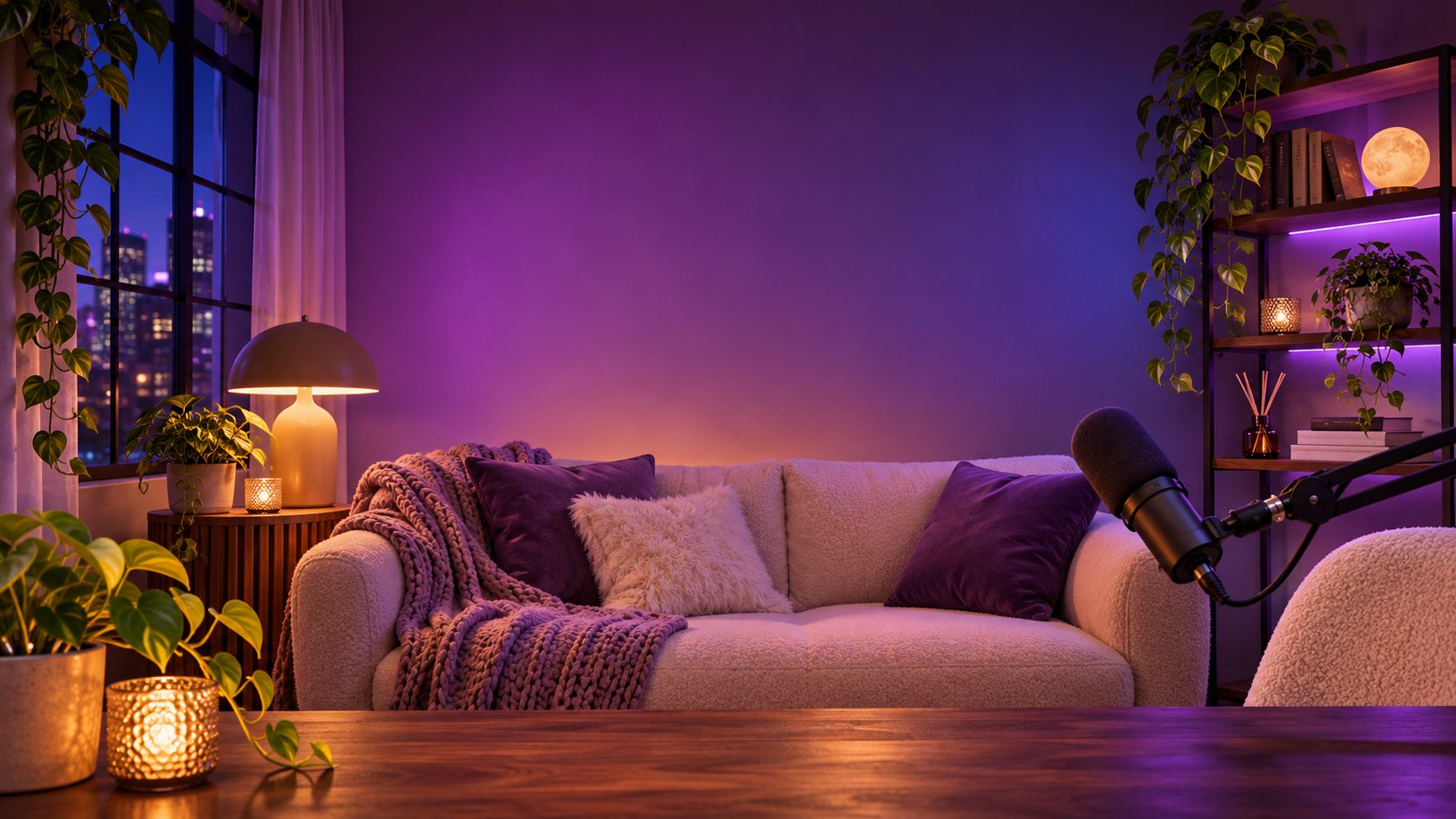
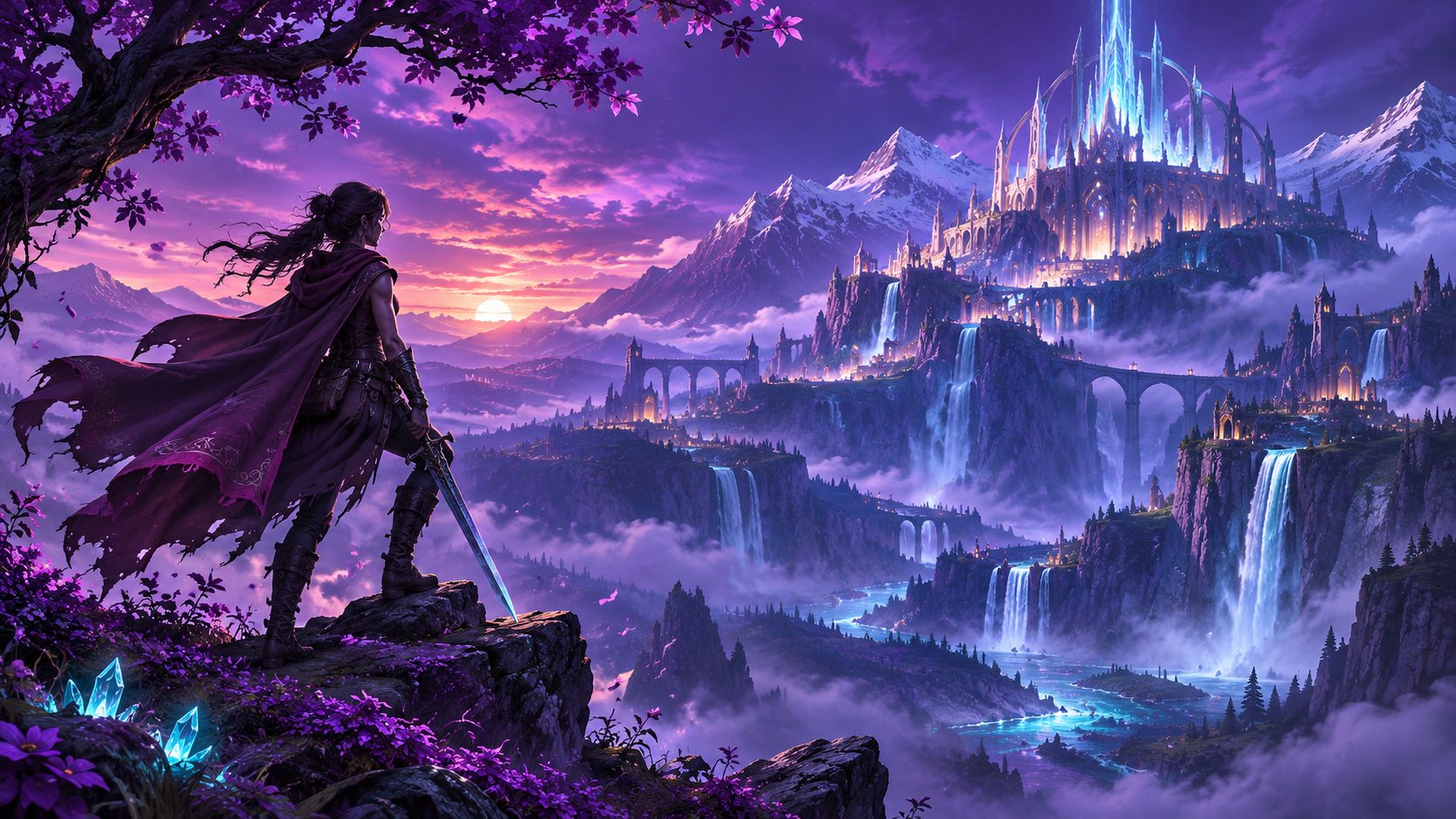
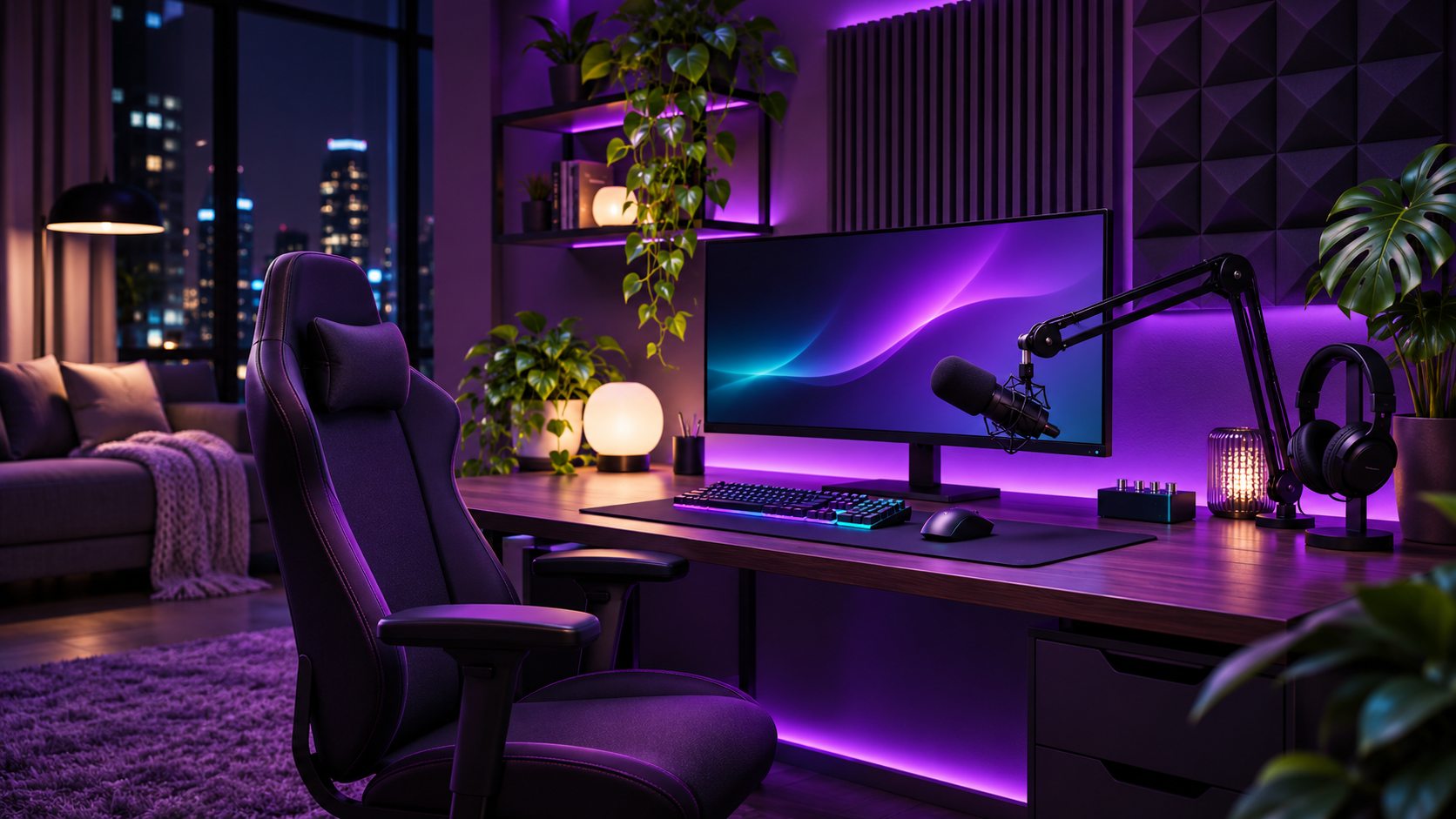
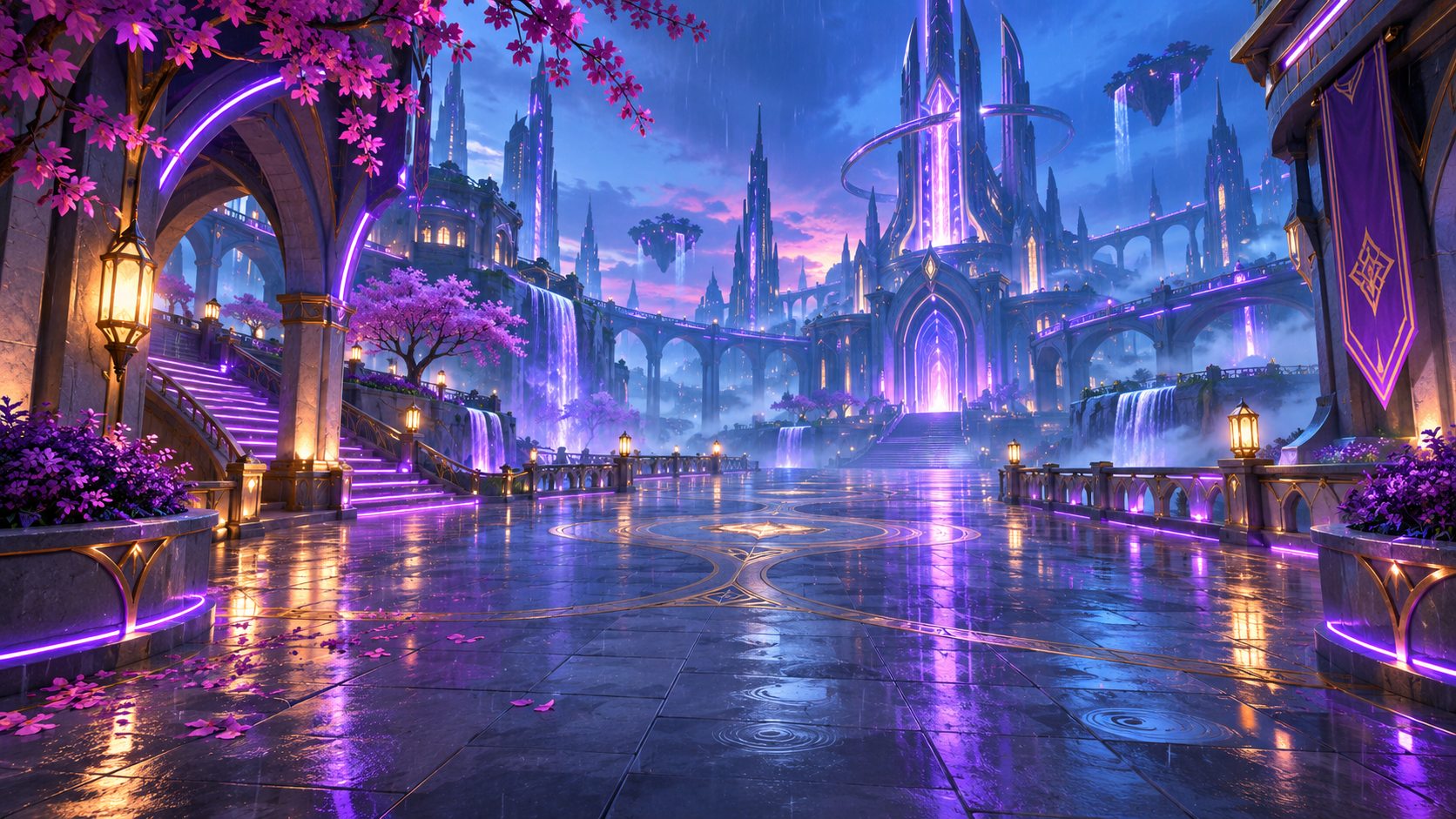
Each download is a complete pack, not a single overlay: Starting Soon, Just Chatting, Gameplay, Be Right Back and Stream Ending. Add the scenes you need to OBS and keep the extracted folder together.
COMPLETE VISUAL SETS
4 packs
No pack matches your search.
CREATOR RESOURCES
A separate graphics kit for creators who want to build and customize their own stream visuals.
GRAPHIC ASSET KIT
Build a matching visual identity with editable Photoshop documents and ready-to-use PNG graphics.
Extract the archive with 7-Zip. Export edited PSD elements as PNG before adding them to an OBS scene.
FROM DOWNLOAD TO YOUR FULL SETUP
The five scene files travel together in one ZIP, ready to connect to your OBS scenes.
Every pack contains the same five scene moments in a different visual identity.
Keep the folder intact so all five scenes remain together.
Create one Browser Source per scene and point it to its matching HTML file in the scenes folder.
Chat and alert panels are visual placeholders until you connect a supported source. The packs do not invent events or audience data. Downloaded HTML files are portable OBS browser-source assets.
Open the JSON catalog and SHA-256 checksums Checksums detect file changes; they do not authenticate the publisher.