Scenes and sources
Build and organize your broadcast scenes in the Sparkast desktop studio.
A streaming studio for Windows
Prepare your scenes, manage audio and bring your stream look together from one desktop studio.
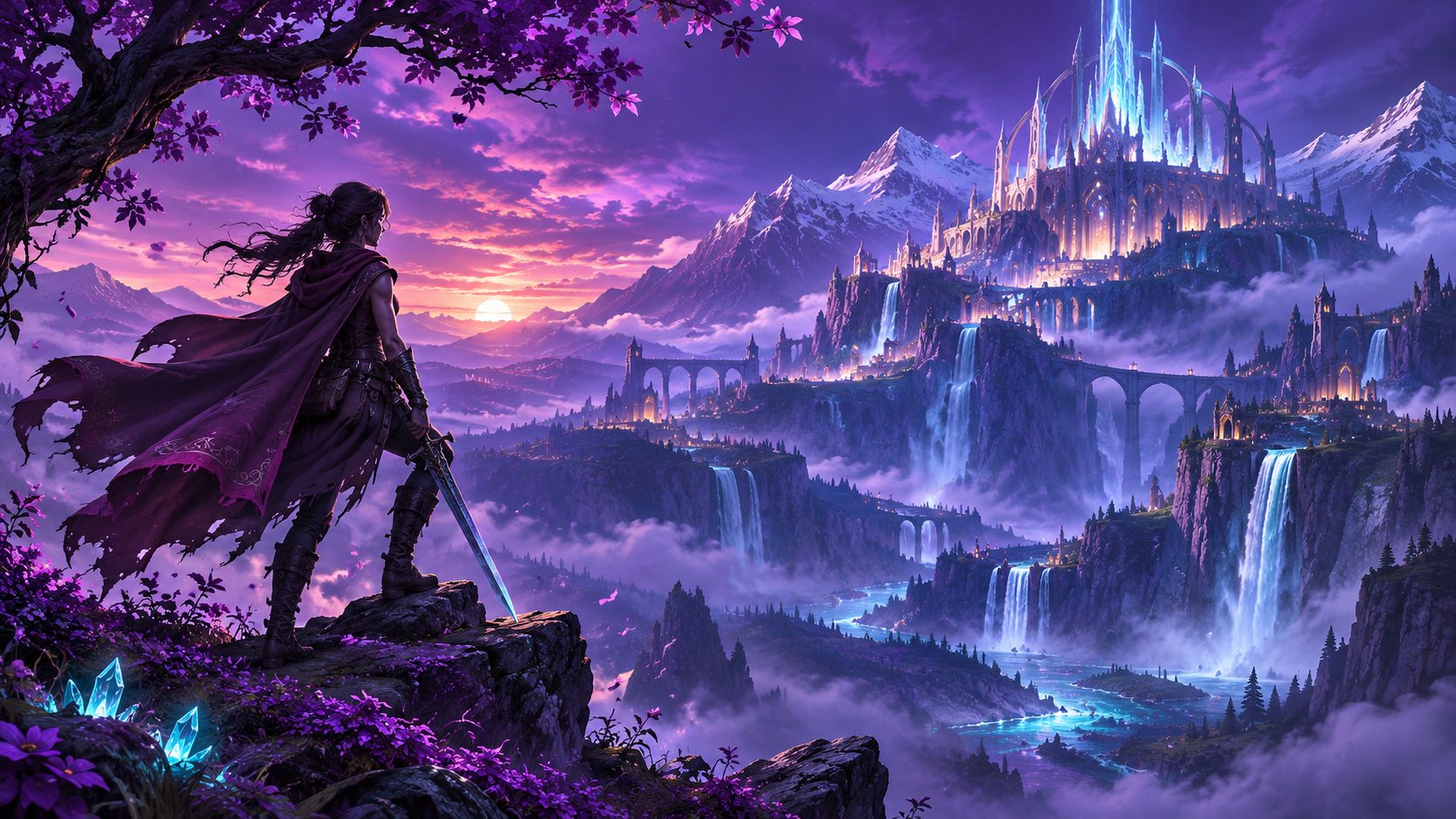 Illustrated scene · Gameplay Nexus
BUILT FOR THE DESKTOP STUDIO
Move from scene setup to audio and visual preparation in the same Windows application.
Build and organize your broadcast scenes in the Sparkast desktop studio.
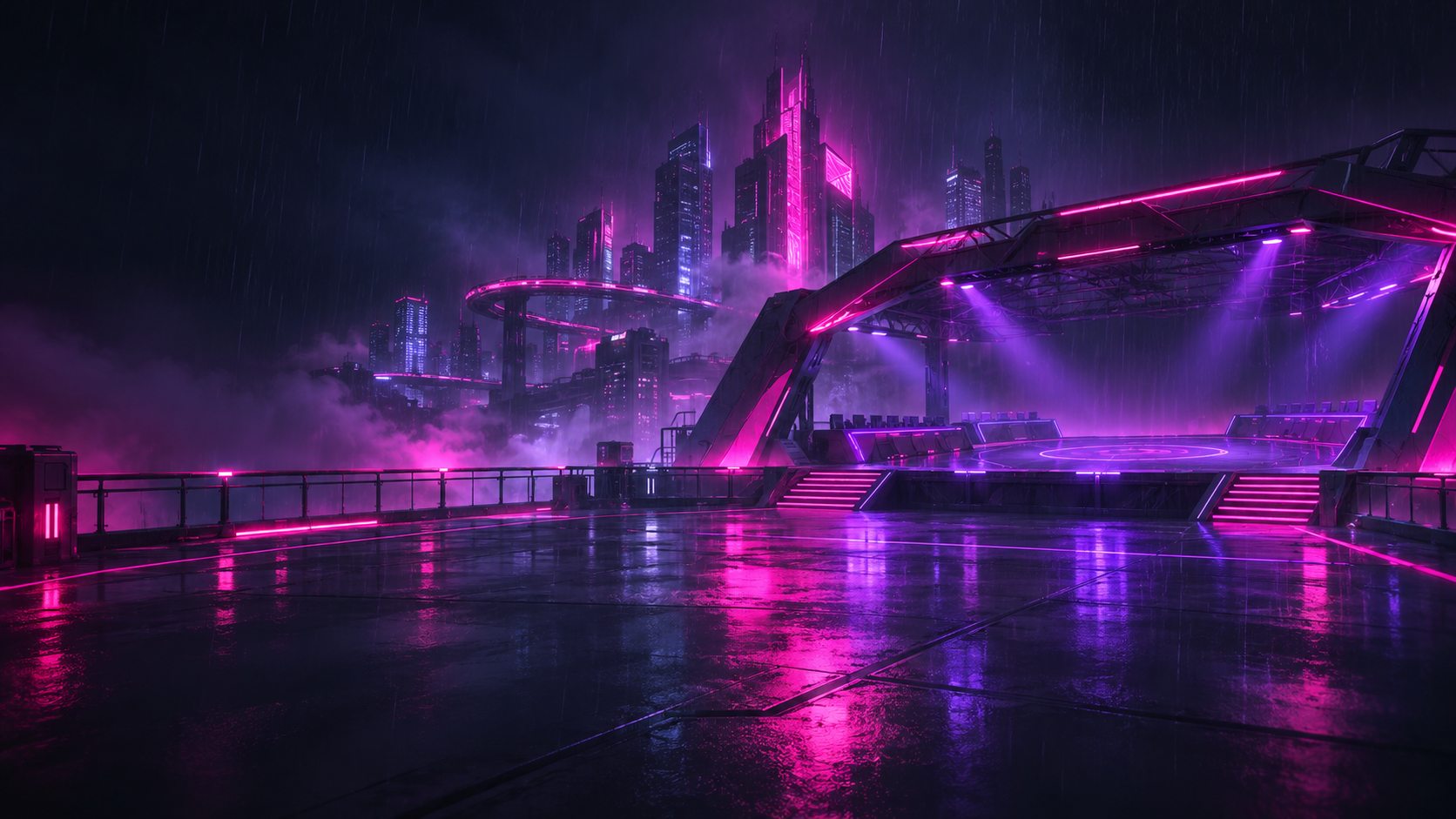
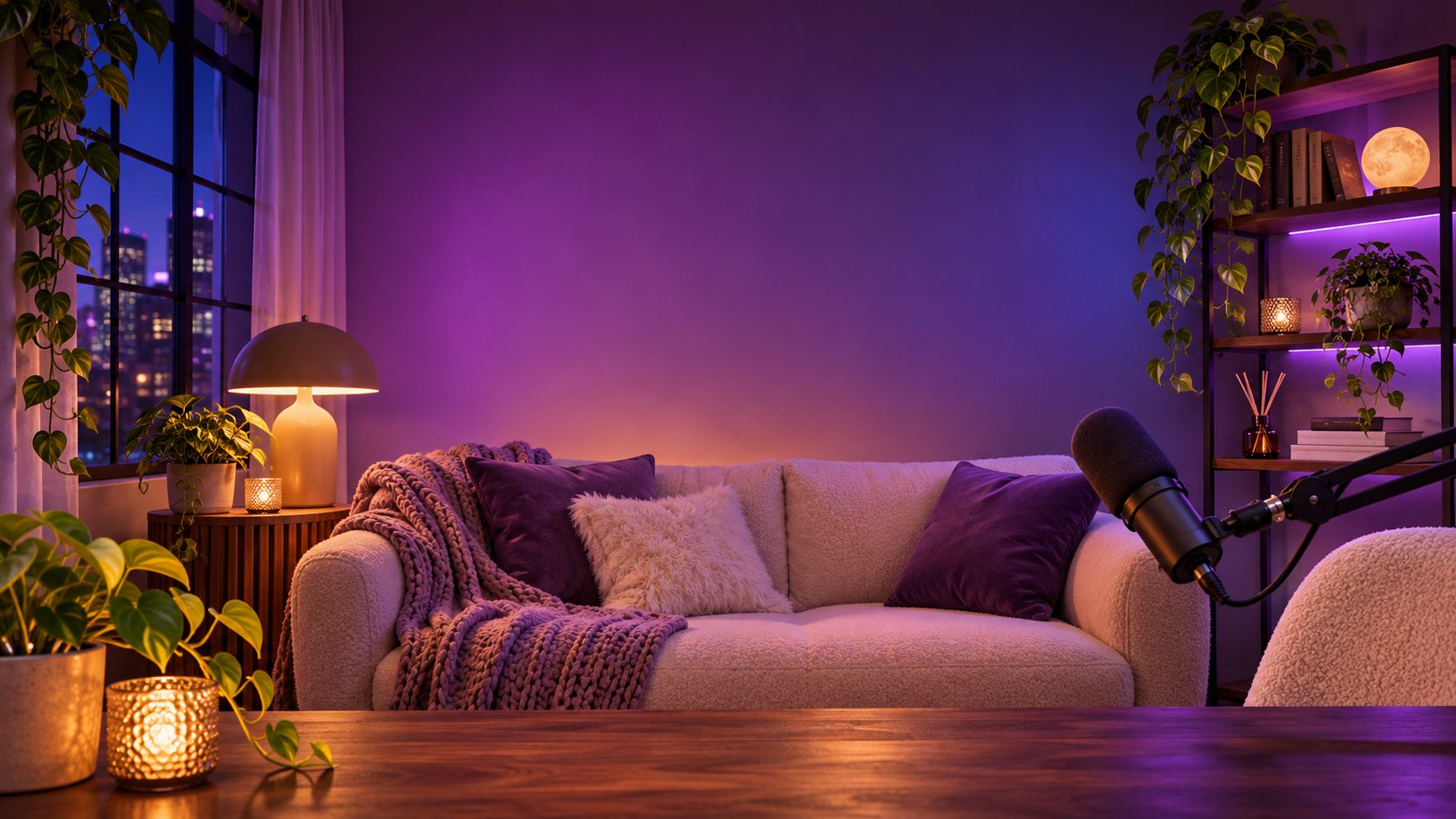
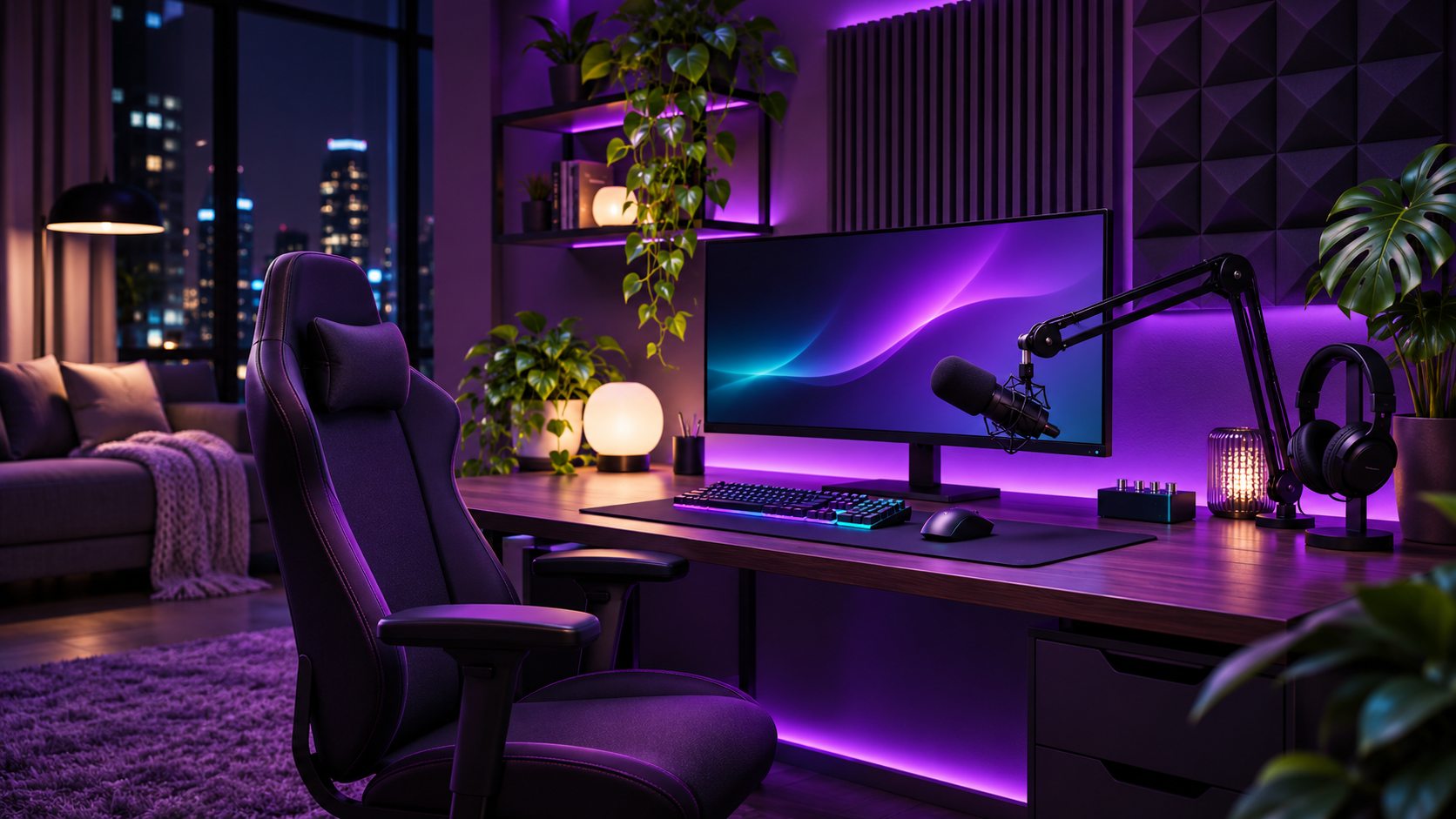
Browse four local-ready designs and add them to your scene collection.
Keep the controls you need close to your preview and scene workflow.
MADE FOR YOUR EXISTING SETUP
A STUDIO BUILT AROUND CREATORS
Start with the tools that are already part of Sparkast and add your own visual assets.
Scenes, sources, preview and audio controls in the Windows application.
Each pack includes matching starting, chatting, gameplay, break and ending scenes.
Import supported image files into a local scene without uploading them to the library.
The alert widget supports test events. Live platform events are still in development.
SPARKAST CREATOR LIBRARY
Download a complete set of five browser scenes, designed to work together in OBS.
CREATOR TOOLS
Configure a private Sparkast alert widget and send a test event. Platform events are not connected yet.
Creator access is being preparedPLANNED EDITIONS
Pricing and final benefits will be published after the offers are confirmed.
Planned around scenes, streaming and recording.
Planned around overlay packs and creator resources.
No payment, subscription or Windows installer is available on this site yet.
Start with the original overlays in the Sparkast library.